

Description
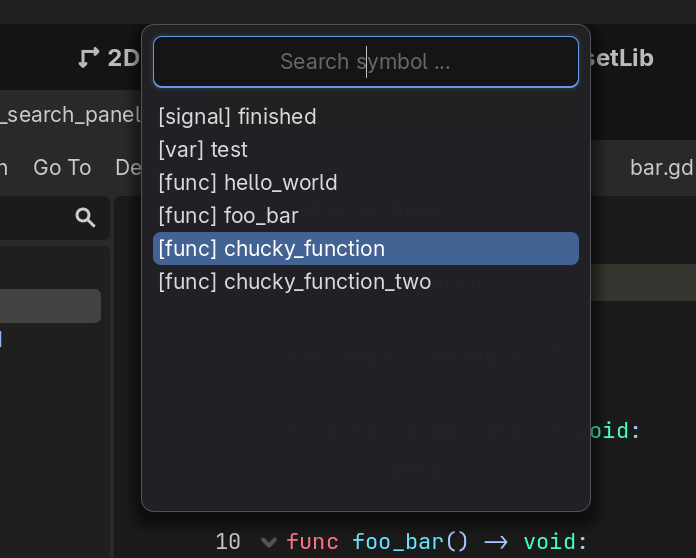
This is a plugin for the Godot Game Engine created with godot-cpp that provides quick searching/gotos for all symbols in the active script file using a currently hardcoded keyboard shortcut: Ctrl + Shift + O. This is a recreation of VSCode’s Go To Symbol utility.
Features
- Quick Symbol Search: Instant access to all symbols in the current script using
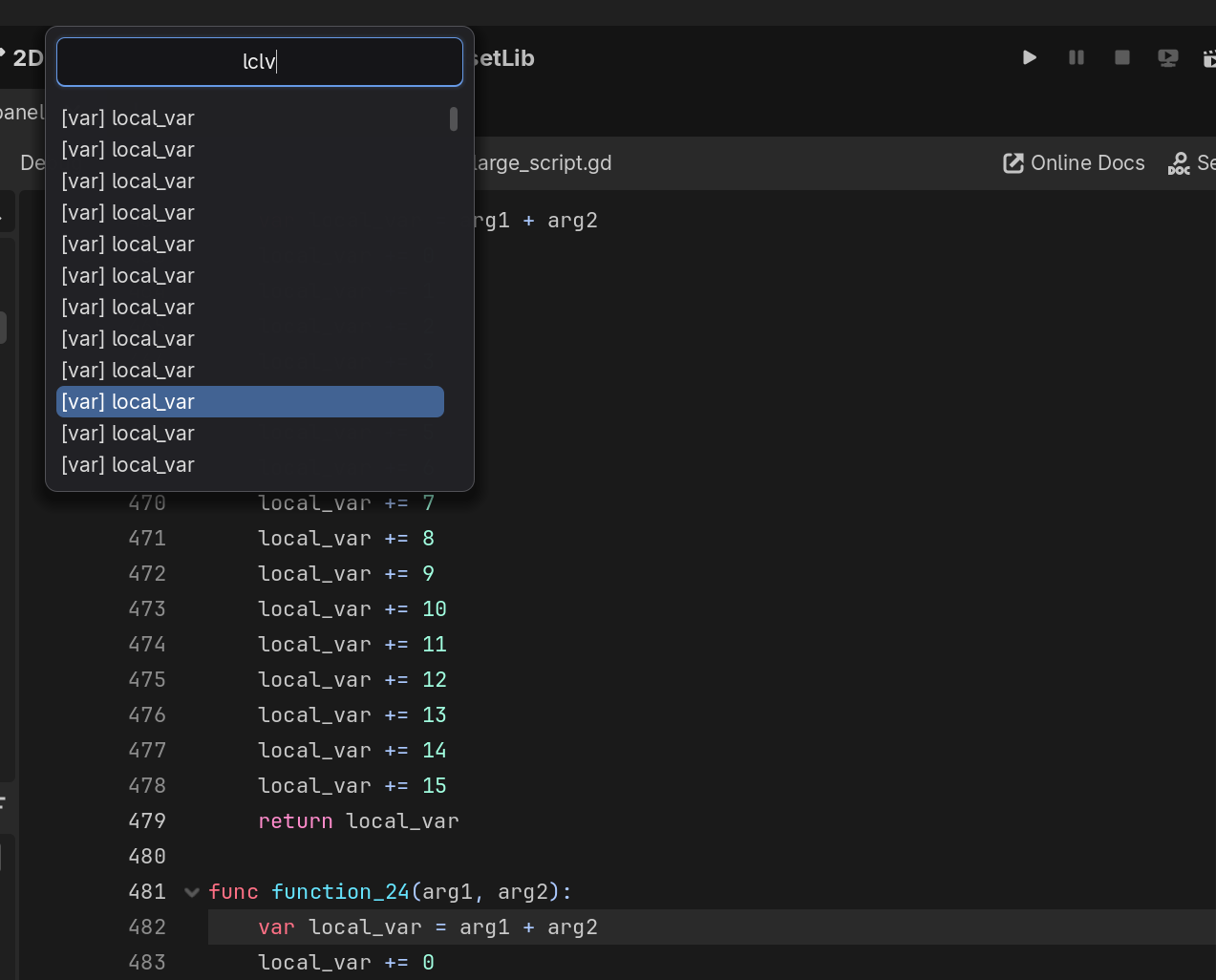
Ctrl + Shift + O. - Fuzzy Matching: Find symbols quickly by typing just a few characters. Embrace the lazy.
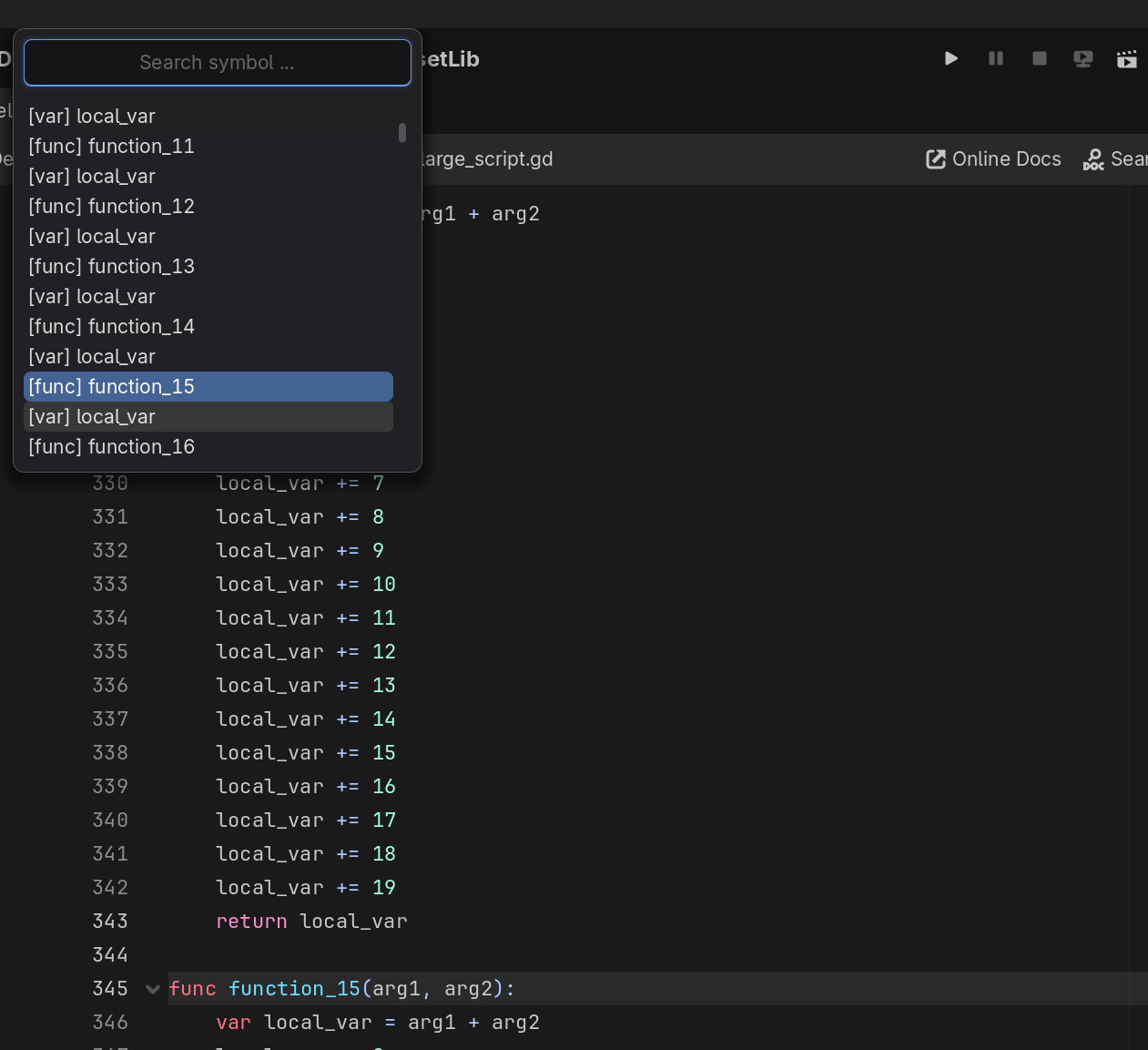
- Live Navigation: The script editor jumps to the symbol’s location as you navigate the search list, providing an immediate preview.
- Reset Cursor Position: If you cancel the search (Esc), the cursor position resets to the starting line and column.
- Comprehensive Symbol Extraction: Currently parses and categorizes
func,var,const,signal, andstaticsymbols. - Detached Script Editor Support: Works when script editor is popped out!
- Symbol Cursor Go-To: Places the caret at the exact line and column of the selected symbol.
- High Performance: Built with C++ (GDExtension) for near-instant indexing and filtering, even in massive script files.
Screenshots
Usage
Once the plugin is enabled, you can use the following keyboard shortcuts:
Trigger the Popup:
- Press
Ctrl + Shift + Oand a popup will appear, displaying a list of symbols in your active script, sorted from top to bottom.
- Press
Navigate the List:
- Use the arrow keys to navigate symbols. The script editor will go to the selected symbol’s line as you navigate about.
Select a Symbol:
- Press the
Enterkey and the editor will go to the line your selected symbol is on in the Script Editor.
- Press the
Technical Details
This plugin is implemented in C++ using Godot’s GDExtension system and the godot-cpp bindings.
- Plugin Architecture: Inherits from
EditorPluginand registers custom logic at theEDITORinitialization level. - Symbol Extraction: Uses
regexto parse the activeScriptresource’s source code on-demand. - UI System: Built using native Godot
Controlnodes (PanelContainer,LineEdit,ItemList) for consistent styling and low overhead. Also allows for easy style customization by editing thegodot_symbol_search_panel.tscnscene file. - Input Handling: Intercepts input events to provide a responsive, modal-like experience without interfering with other editor shortcuts.
For the deepest dive into the implementation, see TECHNICAL_OVERVIEW.md .